Google Business Profile for DeKalb Businesses: An Hour Well Spent
Your Google profile often decides whether people find and call you, sometimes more than your website. Here is what to fill in and keep updated, in about an hour.
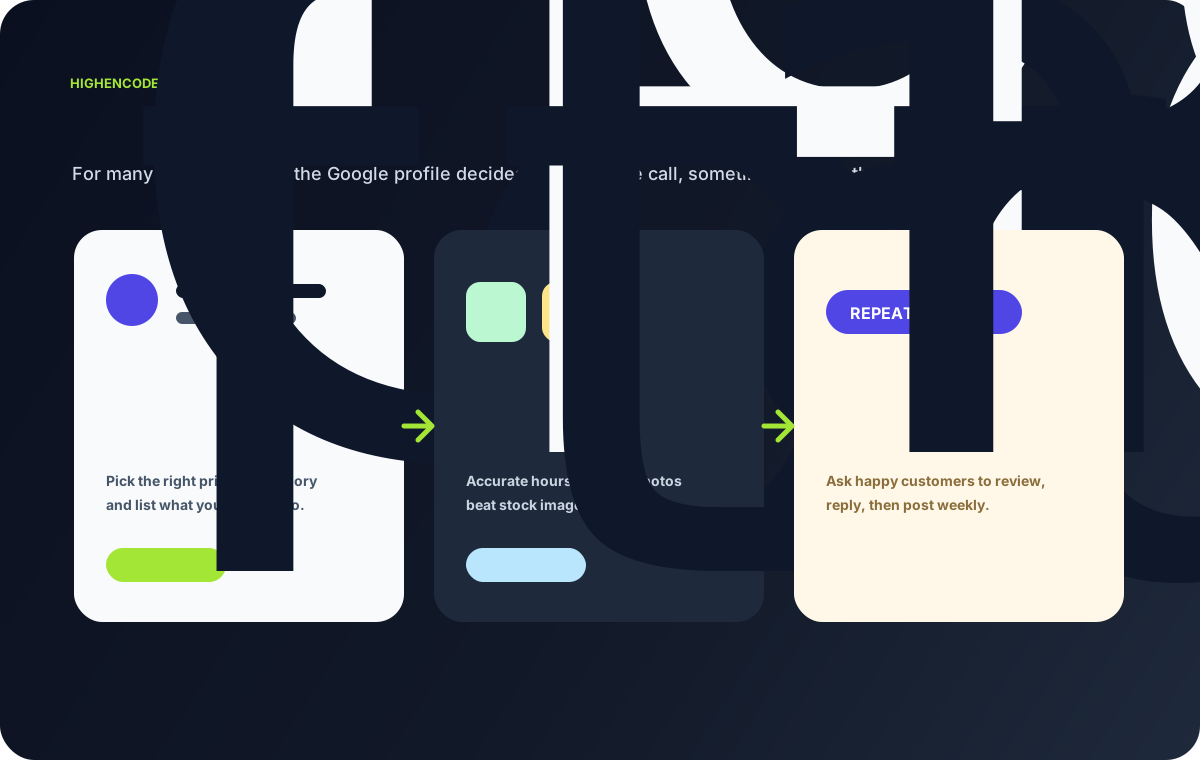
When someone near you pulls out their phone and searches for a plumber, a taco spot, or a landscaper, the first thing they see is usually not a website. It is the little box of local results on Google, with the map, the star ratings, the hours, and the call button. That box comes from your Google Business Profile, and for a lot of local businesses it decides whether the phone rings.
I build websites, so it might sound odd to say this, but here it is plainly: your Google profile often does more early work than your site. People find you there, judge you there, and call from there before they ever click through. A great website behind a thin or outdated profile is a nice room nobody walks into.
The good news is that setting it up well is roughly an hour of honest work, and it keeps paying off for months. Here is what to fill in and keep current.
Get the category right
Your primary category is the single most important choice. It tells Google what you actually are, and it shapes which searches show your profile. Pick the one that matches your core service, not a broad guess. A taqueria is a "Mexican restaurant," not just "restaurant." A lawn crew is a "Landscaper" or "Lawn care service," whichever fits the real work.
Then add secondary categories for the other things you genuinely do. If you do lawn care and snow removal, list both. Do not stuff in categories you do not actually serve, because it muddies the signal and can bring in the wrong calls.
List your services, hours, and holidays
Under your categories, add your specific services with short, plain descriptions. This is free space to say exactly what you offer in the words customers use.
Hours matter more than people expect. If your posted hours are wrong, someone drives over, finds you closed, and you have lost them for good. Two things to keep straight:
- Regular hours: keep them accurate, and update them the day anything changes.
- Holiday hours: set these ahead of time. Google prompts you around holidays, and confirming them prevents that "is this place even open?" doubt.
Add real photos
Add real photos of your work, your storefront, your team, and your finished jobs. Not stock images. People trust what looks real, and a profile with genuine local photos feels like a business that actually exists in DeKalb, not a placeholder. Refresh them now and then so the profile does not look frozen in time.
Ask for reviews, and reply to them
Reviews are the part most owners underuse. A steady trickle of honest reviews does two things: it builds trust with the next customer, and it tends to help you show up more.
You do not need tricks. Just ask happy customers, in person or with a quick follow-up text, and make it easy by sharing your review link. Then reply to what comes in. Thank the good ones briefly. For a rough review, answer calmly and factually. Future customers read those replies as closely as the reviews.
Use Q&A and post updates
The Q&A section lets anyone ask a question on your profile, and anyone can answer, so it is worth seeding it yourself. Post the questions you hear all the time ("Do you speak Spanish?", "Do you give free estimates?", "Do you serve Sycamore and Sandwich?") and answer them clearly.
Posts are short updates that show on your profile, like a seasonal offer, a note that you are booking spring cleanups, or a new service. They fade after a while, so a quick post every couple of weeks keeps the profile looking active and cared for.
Set the hour aside
Block one hour: pick your categories, list services, fix hours and holidays, upload real photos, drop in a few Q&A entries, and send your review link to a couple of recent customers. Then check back briefly each month.
If you would like a second set of eyes, send me your website link and I will take a look at both your site and your Google profile, then send back a short, plain-language note on what is working and what to fix first. For the website side of that same check, read What I Check First on a Local Business Website.
Want this applied to your business?
Send the current page, form, or workflow. I will help identify the first practical fix and what can wait.
Related Articles
Do I Need a Website, or Is a Google Business Profile Enough?
An honest look at when a Google Business Profile is enough for a local business, when a simple site helps, and how the two work best together for you.
Bilingual Websites for DeKalb Businesses: English and Spanish Customers
Many DeKalb businesses serve Spanish-speaking customers in person but only show up in English online. Here is a plain guide to closing that gap the right way.
Why Website Speed on Phones Matters for a Local Business
Most local customers open your site on a phone. If it loads slow, they leave before reading a word. Here is how to spot it and the common fixes.
About David Ortiz
Builder, writer, and systems-focused operator
High Encode Learning turns practical build lessons into services, demos, and implementation conversations for local businesses that need clearer websites, lead paths, and workflows.